How to host
Host a Multiplayer quiz for up to 6 players, each on their own phone. It takes about a minute to set up.
Unlock the Training Ground
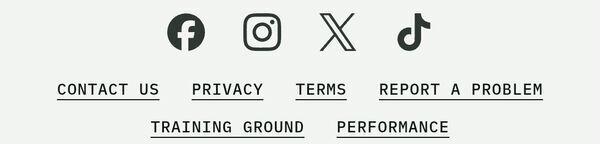
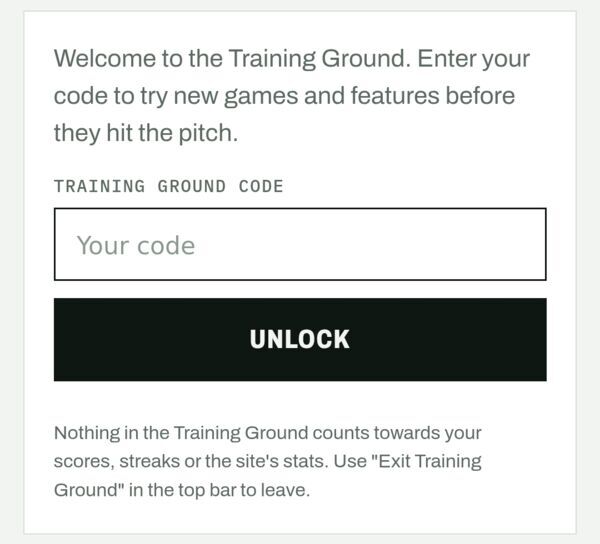
Scroll to the bottom of tdko.app and tap Training Ground. Enter your tester code and tap Unlock.
Open Multiplayer
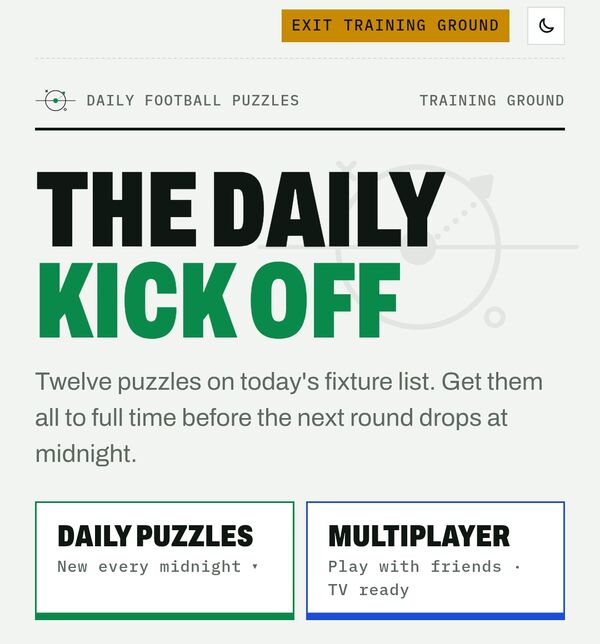
You're back on the home page, with Exit Training Ground at the top. Tap Multiplayer.
Host a quiz
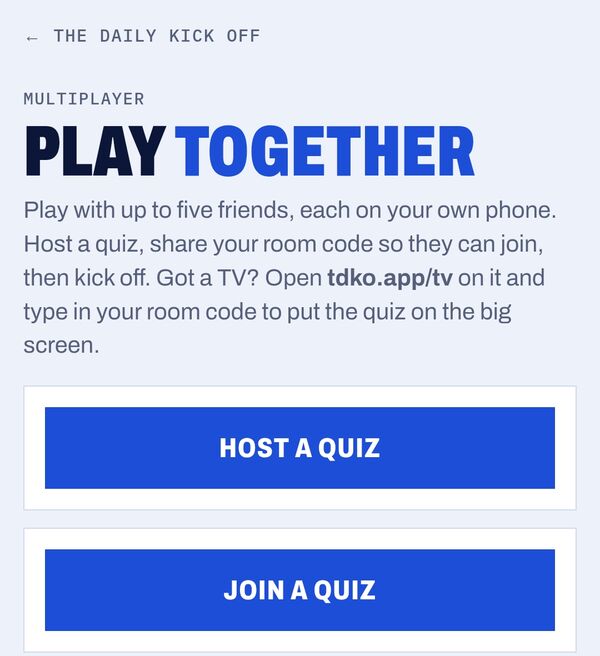
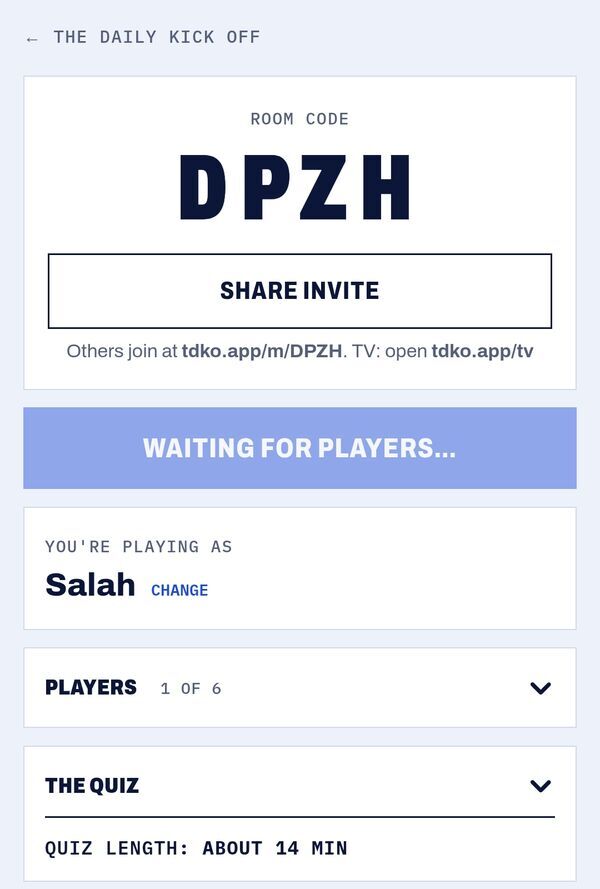
Tap Host a quiz. You get a four-letter room code.
Get your players in
Tap Share invite to send the link, or give out the code. Friends open the link, or go to Multiplayer, tap Join a quiz and type the code.
Tap Change to pick your own name. Got a TV? Open tdko.app/tv on it and enter the room code.
Set up the quiz
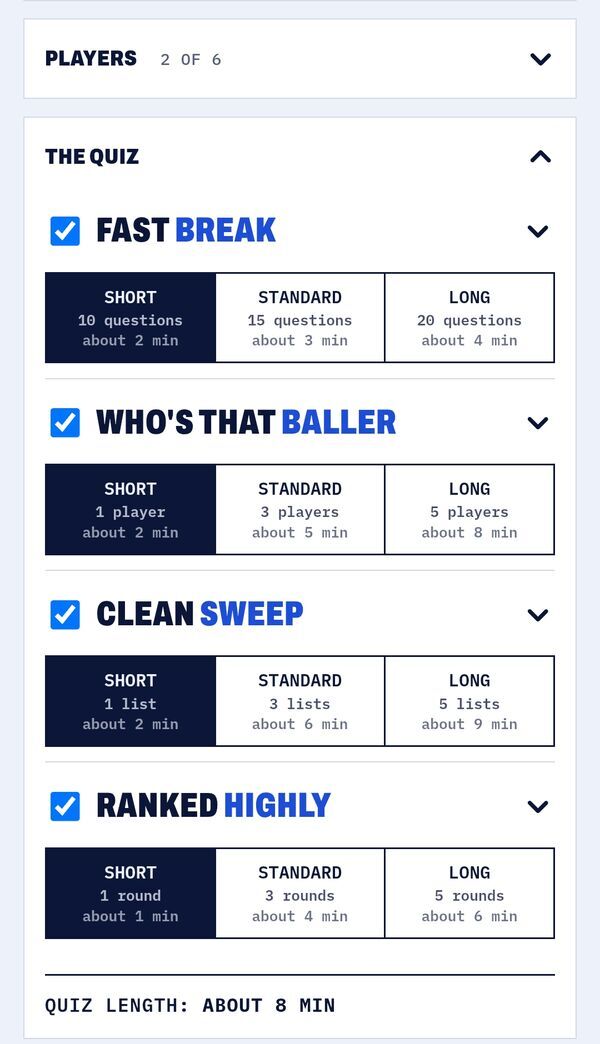
Open Players to choose how you play:
Option What happens Everyone for themselves Each player scores on their own 2 teams or 3 teams Players are split into teams. Tap Shuffle teams to mix them up Open The quiz. Tick the games you want, then pick a length for each. Tap the arrow by a game to see how it works.
Game Short Standard Long Fast Break 10 questions 15 questions 20 questions Who's That Baller 1 player 3 players 5 players Clean Sweep 1 list 3 lists 5 lists Ranked Highly 1 round 3 rounds 5 rounds Each option shows how long it takes, and the quiz length at the bottom adds them up.
Kick off
Once someone has joined, Waiting for players… turns into Kick off. Tap it to start.
During a game you can Pause, Skip or End quiz. After each round and game, everyone taps I'm ready. Once all players are ready, the next one starts by itself. As host you can also start it straight away.
Something not working? Tell us through Contact us, with a screenshot if you can.
Go to Multiplayer